What Smart Navigation Means on These Robots
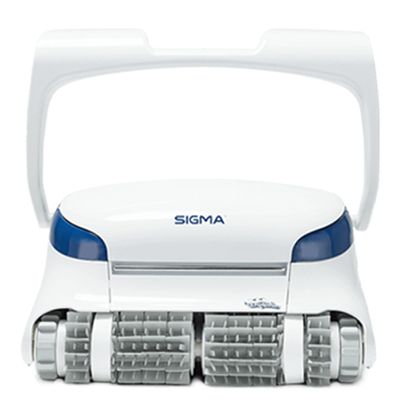
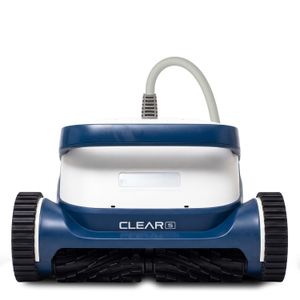
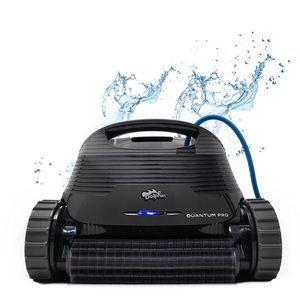
On these robots, smart navigation means software that scans the pool as the robot works and chooses a route meant to cover it systematically instead of bouncing at random. Dolphin calls its version SmartNav; version 3.0 on the Sigma adds a gyroscope, and the Clear models pair a gyroscope with an accelerometer. Those sensors report the robot's own heading and tilt. They do not see the pool, which is why we call this navigation and not mapping.
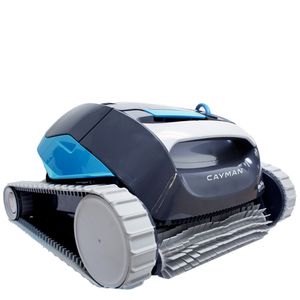
Two robots we carry are not ranked. The Clear UV navigates exactly as the Clear S does and adds a built-in UV-C light controlled from the Clear app, at a higher price. The Escape uses SmartNav 2.0 and suits above-ground pools.
How to Tell If Your Robot Is Covering the Whole Pool
You do not need an app to audit a robot. Use the pool itself.
- Let fine dust settle overnight, run a cycle, and look for stripes or untouched patches on the floor.
- Check the same three places each time: the corners, the base of the steps and the deepest point.
- Watch ten minutes of a cycle. A robot that keeps returning to one area is usually being steered by a twisted cable, not by its software.
- If one patch is always missed, move the power supply or change where you put the robot in, and compare the next cycle.
Shapes That Test Navigation
Rectangles are easy. The pools that expose weak navigation are the ones with curves, legs and level changes. A freeform or kidney pool has no straight wall to square up against. An L-shaped pool hides one leg from the other; the length rating applies to the longer leg, and the power supply belongs at the elbow so the cable can follow the robot round the inside corner. Sloped floors and deep ends pull a robot off line as it crosses them. For these pools a gyroscope is worth paying for. For a simple rectangle or oval, SmartNav 2.0 scanning does the job.
Setting Up for Even Coverage
- Place the power supply near the middle of the pool's longest side, or at the elbow of an L, so the robot has equal reach in each direction.
- Keep the filter rinsed. A robot with a loaded filter loses wall grip and turns back early, which also looks like poor navigation.
- Take pool toys, floats and loose hoses out before a cycle. They are obstacles no robot can plan for.